MASTERPLUS+
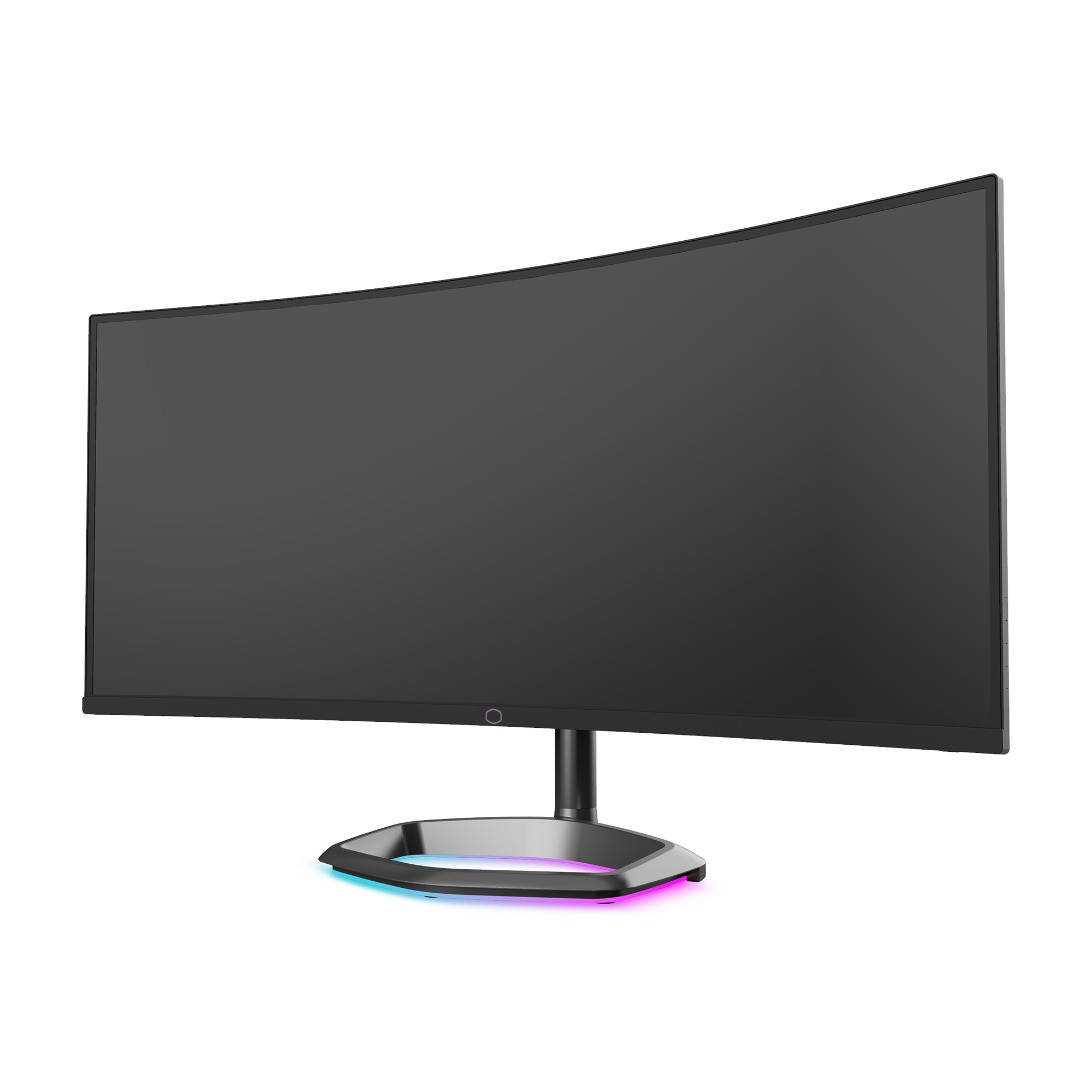
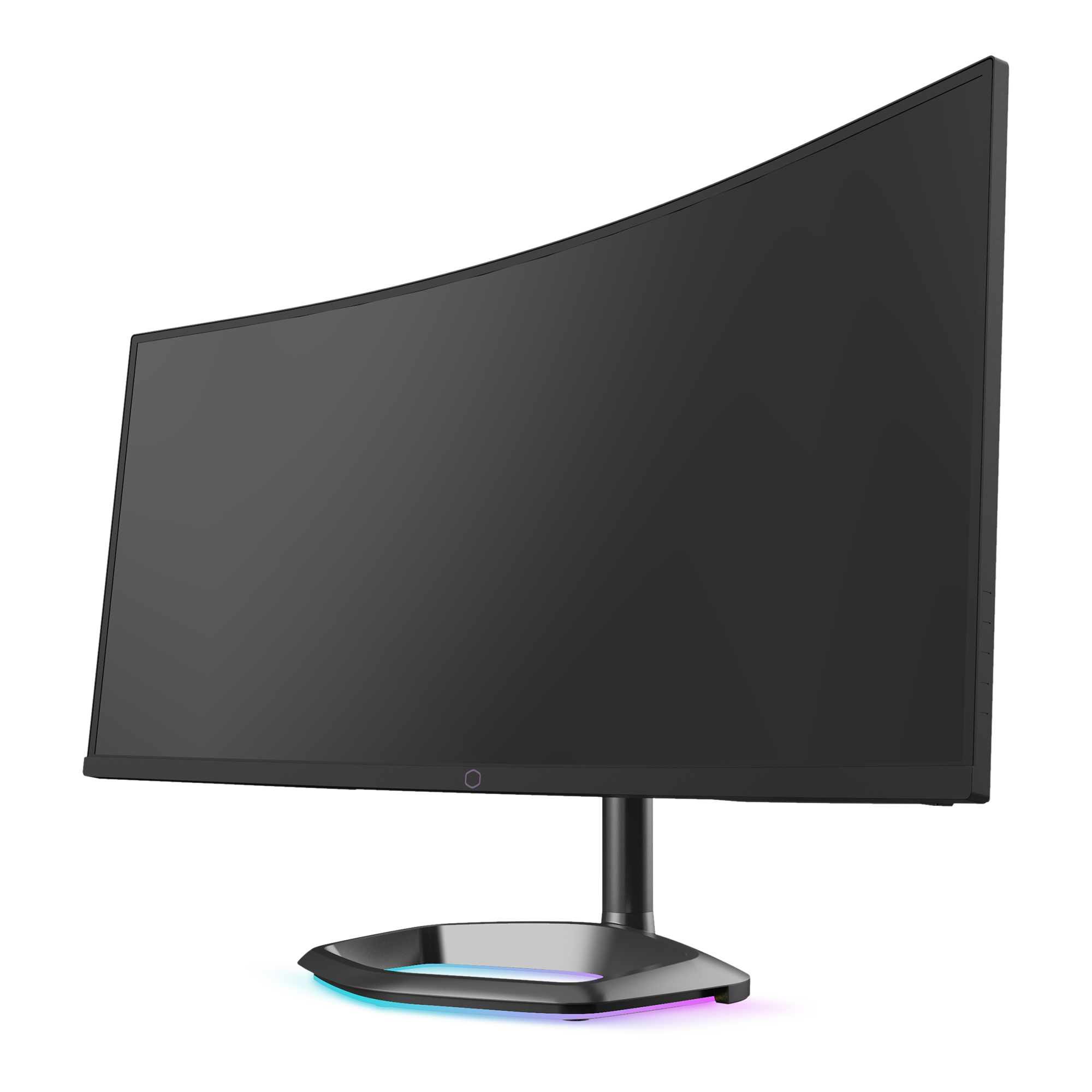
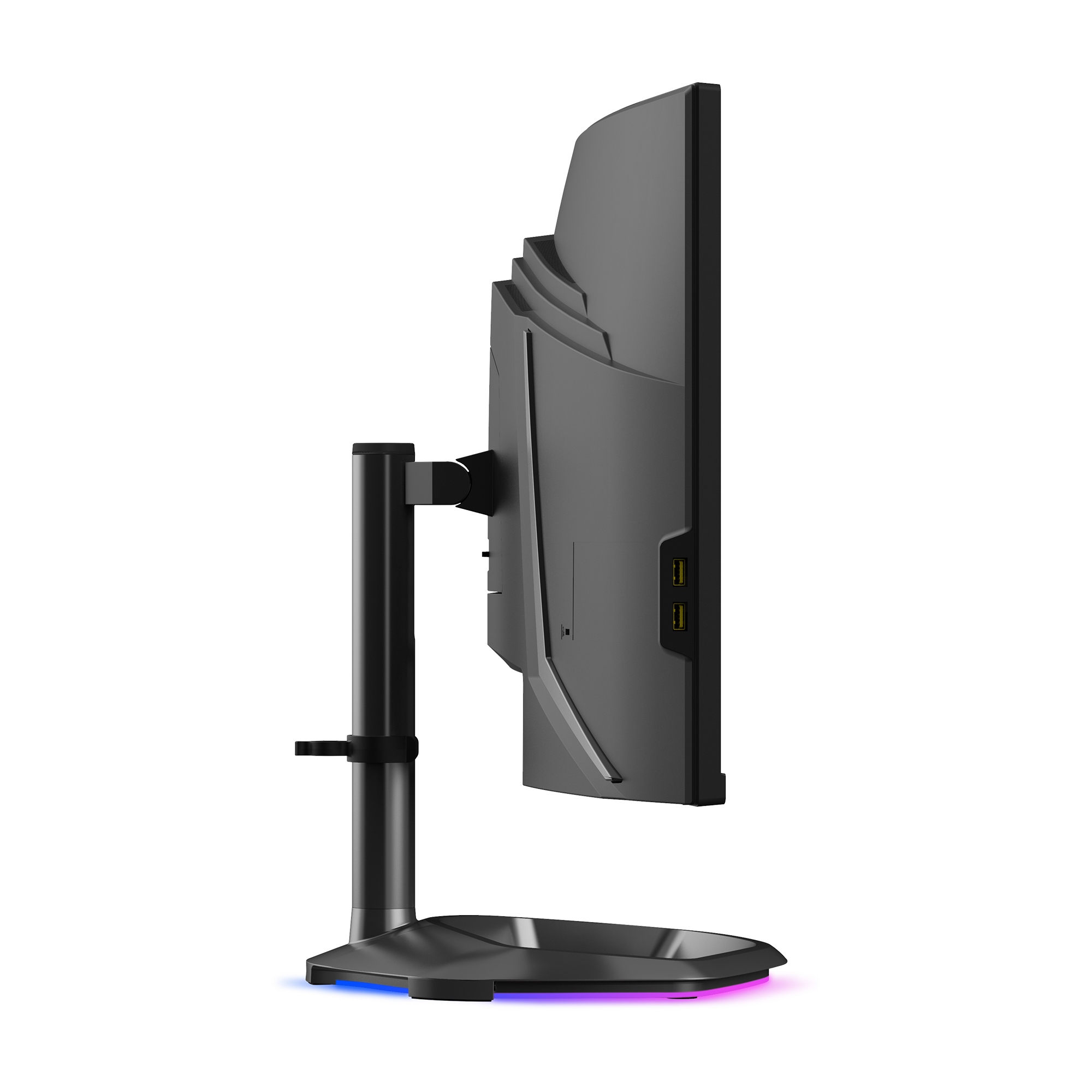
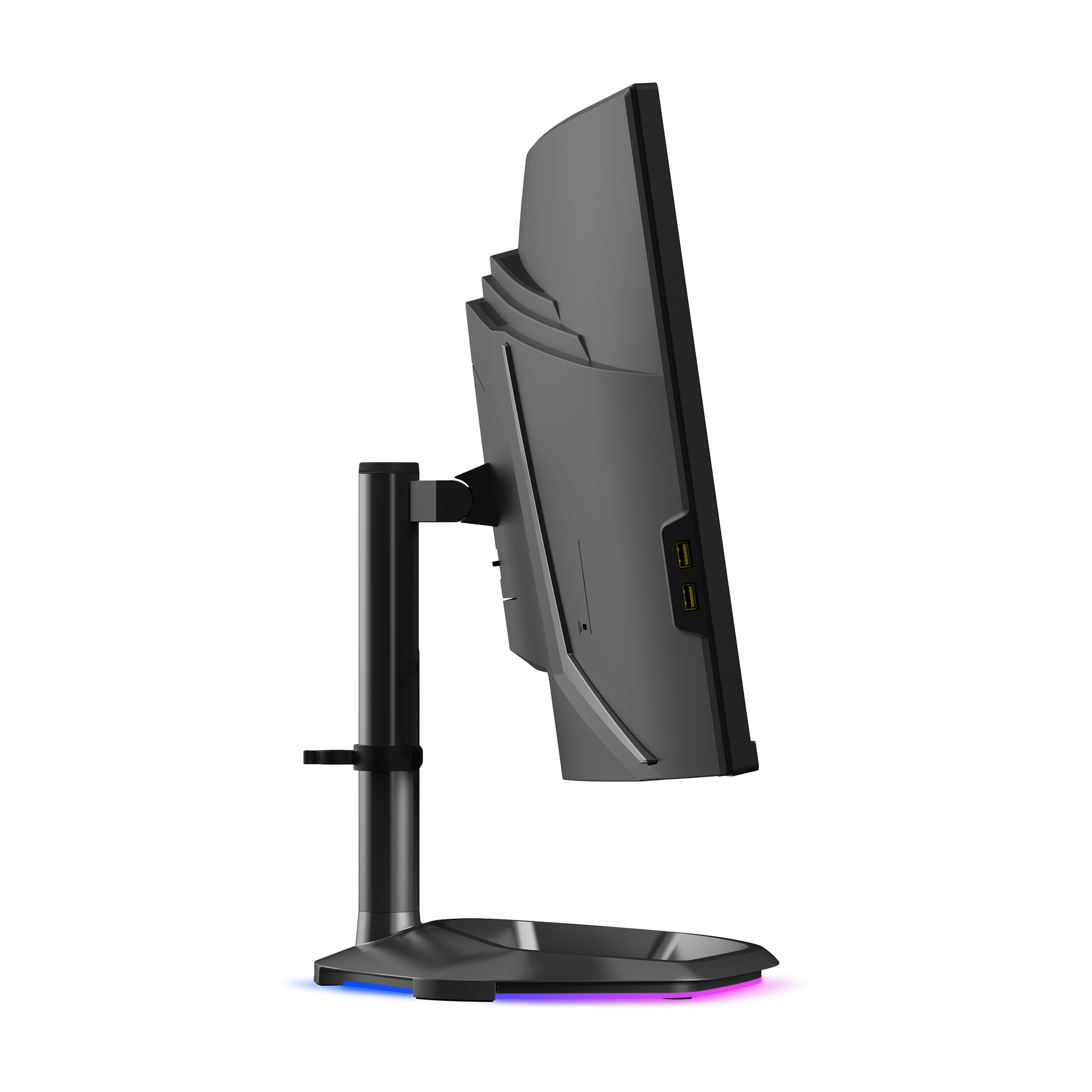
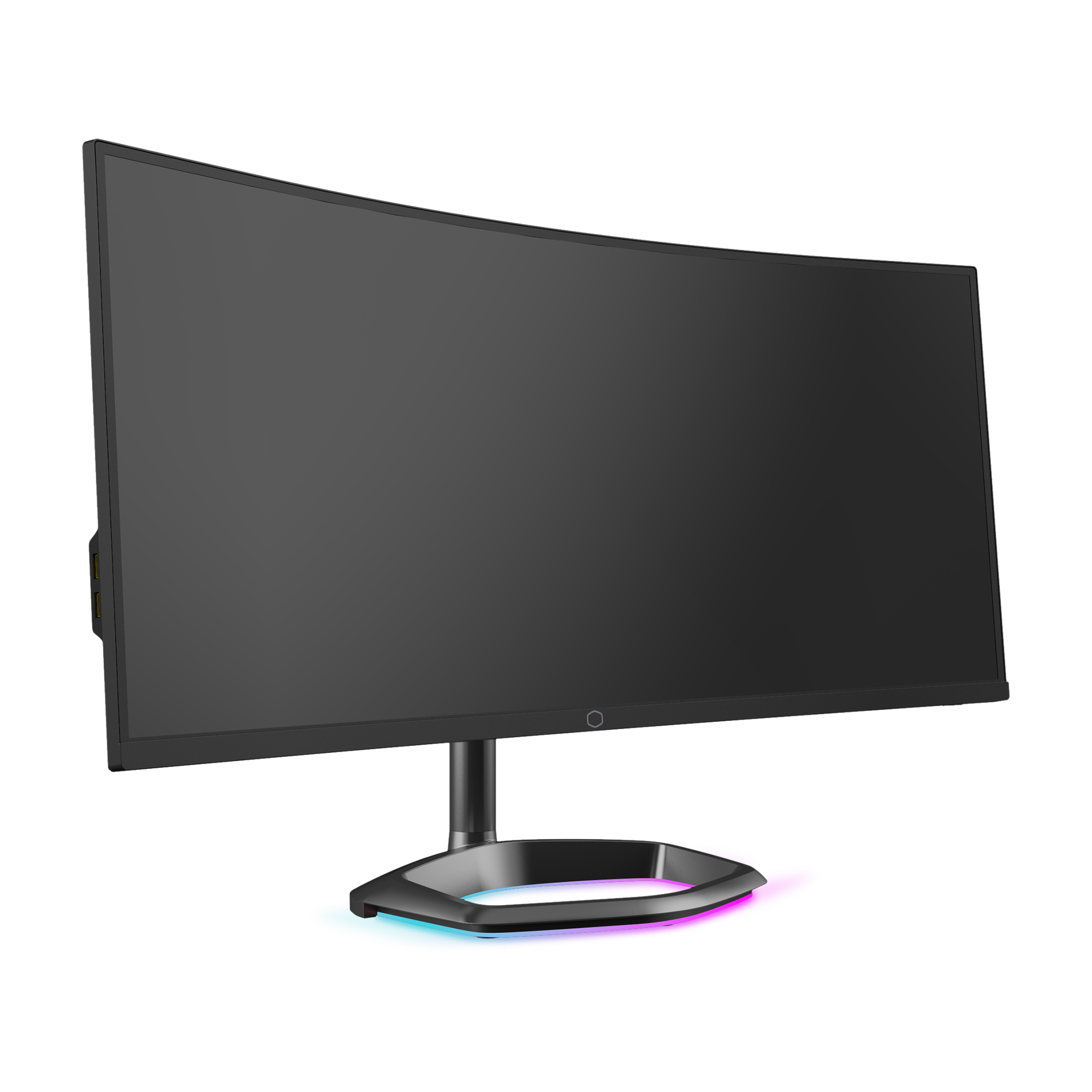
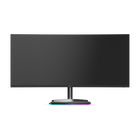
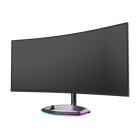
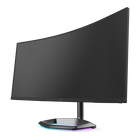
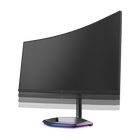
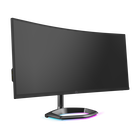
Using the MasterPlus+ app, you can fully customize the ARGB lighting built into the Halo stand. Set specific colors for certain occasions as well as synchronize lighting to your other compatible Cooler Master peripherals.
CẢM NHẬN SỰ ĐẮM CHÌM VÀO TỪNG KHUNG HÌNH
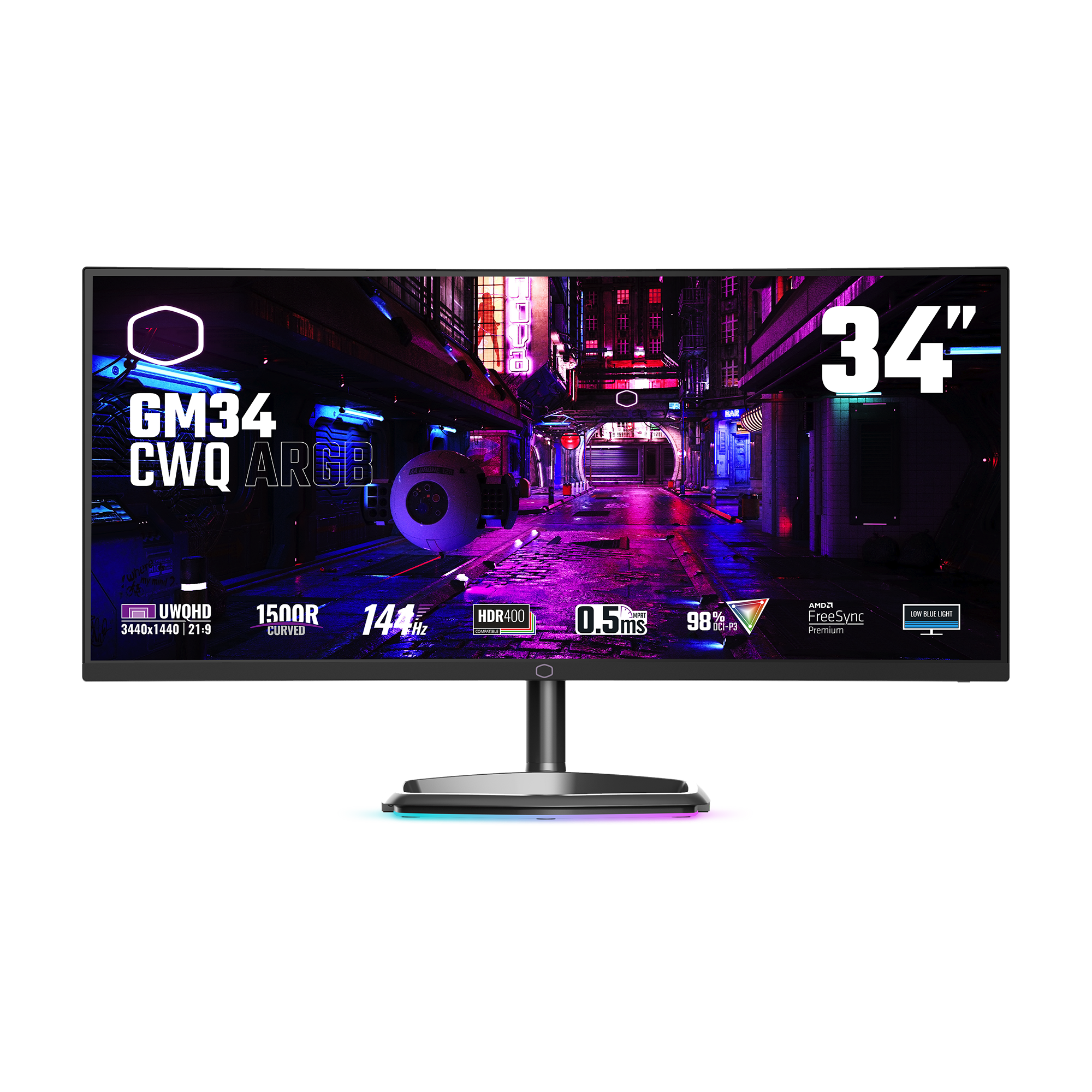
The GM34-CWQA is designed for everyone and offers outstanding value and competency with WQHD resolution that empowers your work/play experience

After activating HDR, you can choose from three HDR modes: Standard, Game, and Movie. Standard HDR mode allows you to adjust R/G/B color values, as well as brightness and contrast to better suit your preferences. Game and Movie HDR modes have preset configurations to optimize the HDR viewing experience based on your content.
With a 144Hz refresh rate combined with an ultra-fast 0.5ms (MPRT) response time, your games will look clearer than ever before. Track enemies with precision and dominate the battlefield as your enemies struggle to keep up with your speed.


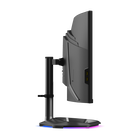
Using the MasterPlus+ app, you can fully customize the ARGB lighting built into the Halo stand. Set specific colors for certain occasions as well as synchronize lighting to your other compatible Cooler Master peripherals.

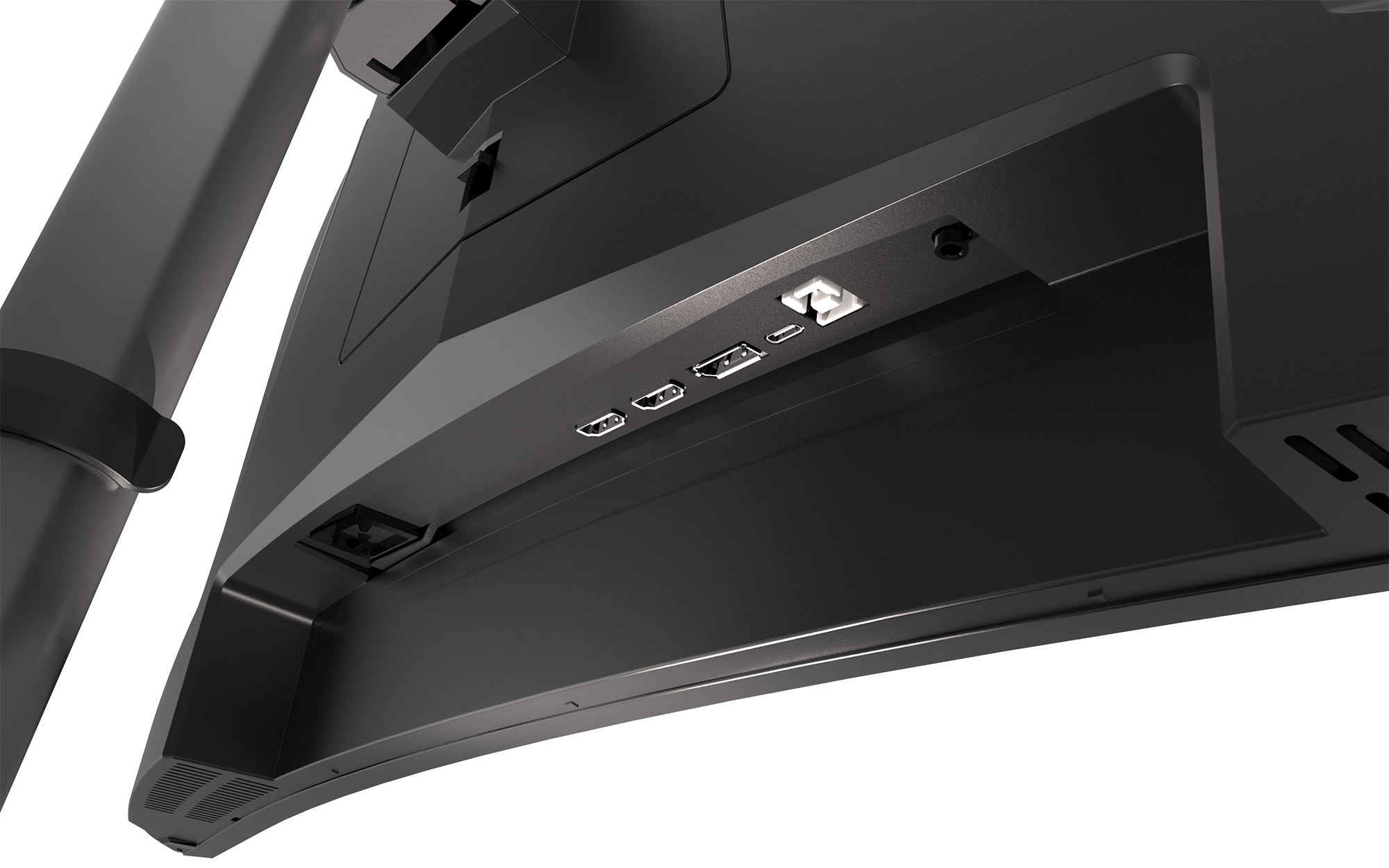
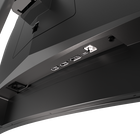
A single USB Type C port is built into the monitor, providing up to 65W PD power output which can fully charge your devices such as a laptop or other USB C compatible devices. It also supports signal display out via DisplayPort 1.4, so you can charge and connect your laptop or device to an external display all through one USB C cable only.
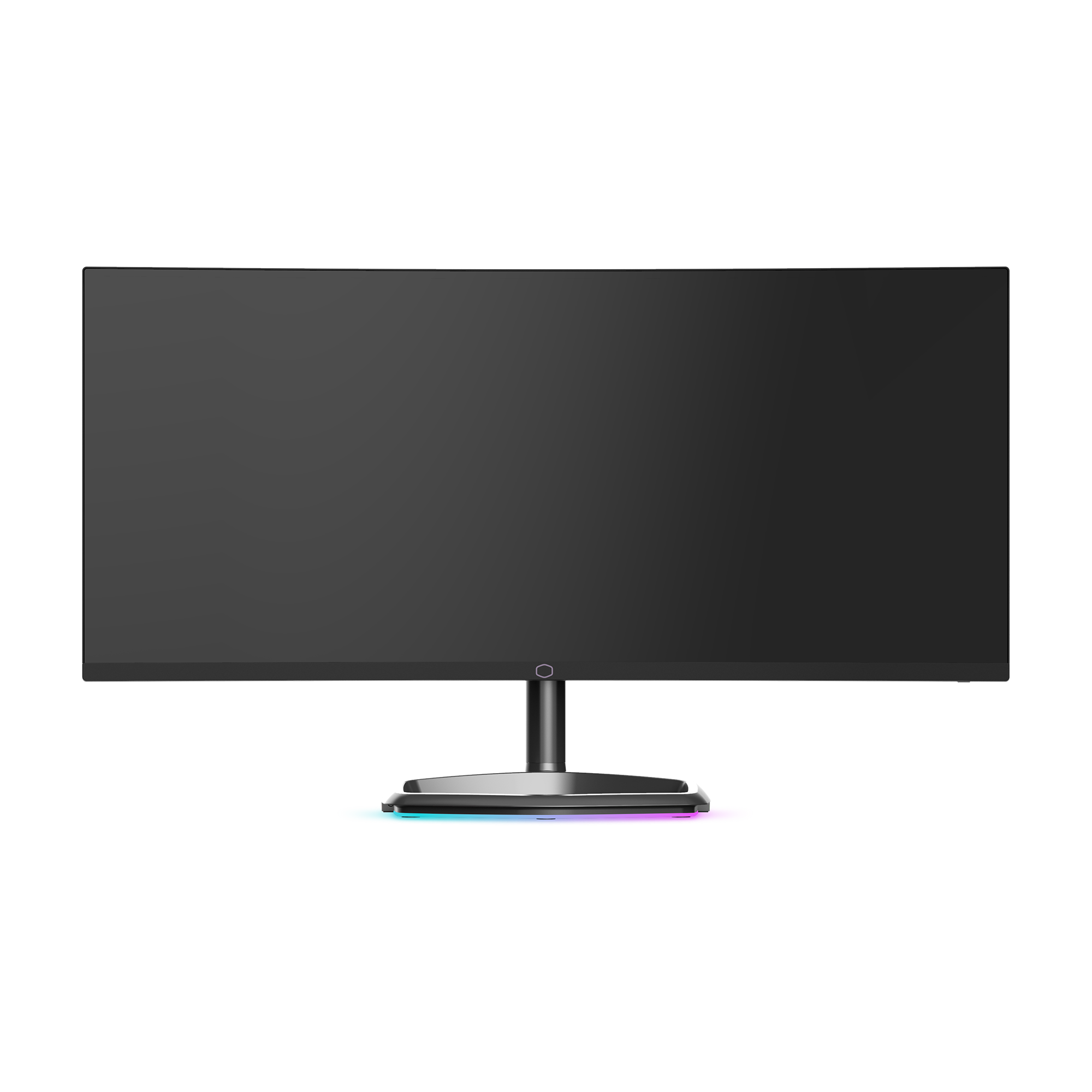
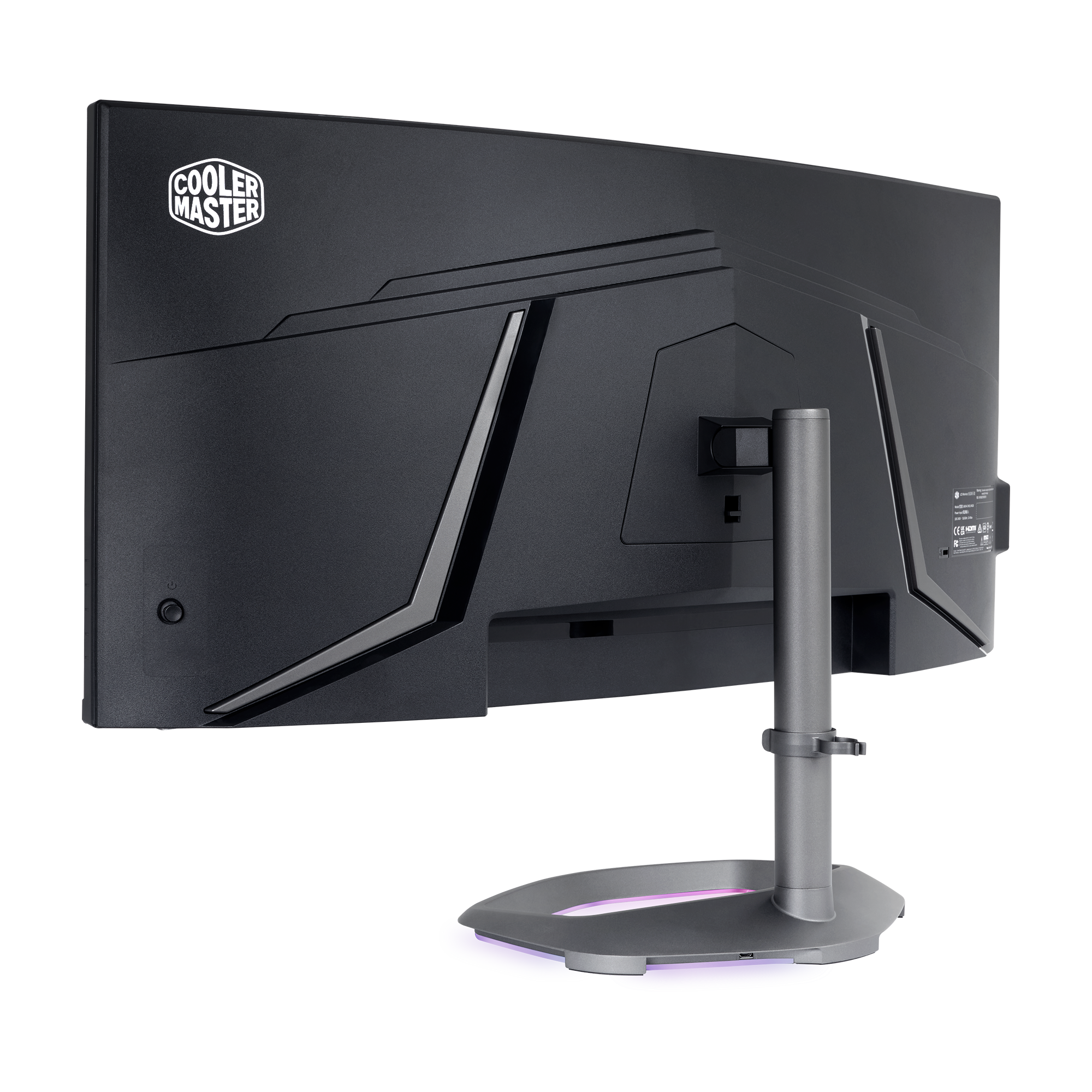
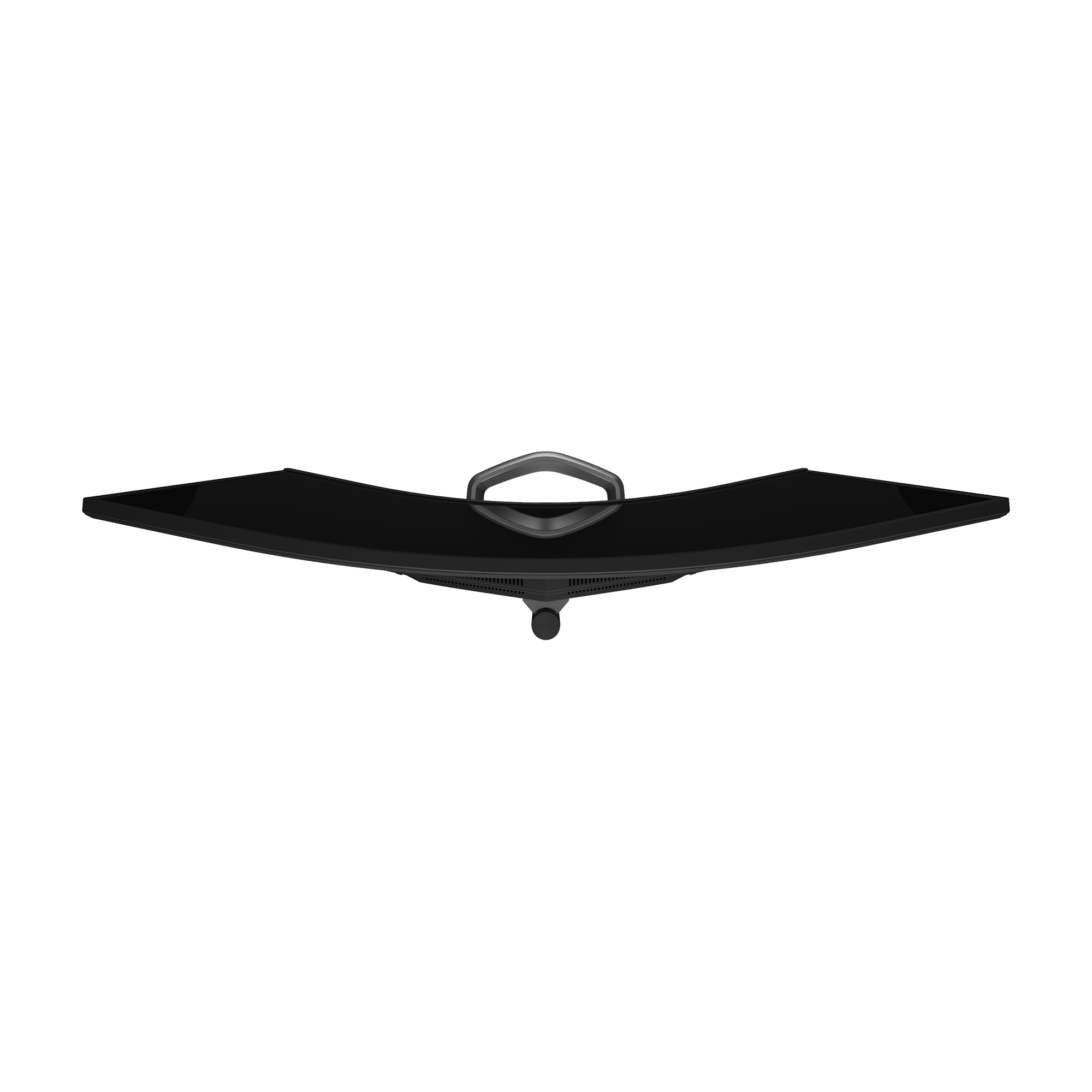
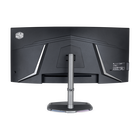
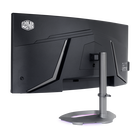
Whether you're at the office, or in your gaming cave, the GM34-CWQ ARGB has a clean design with minimal branding that can fit perfectly in any setup.
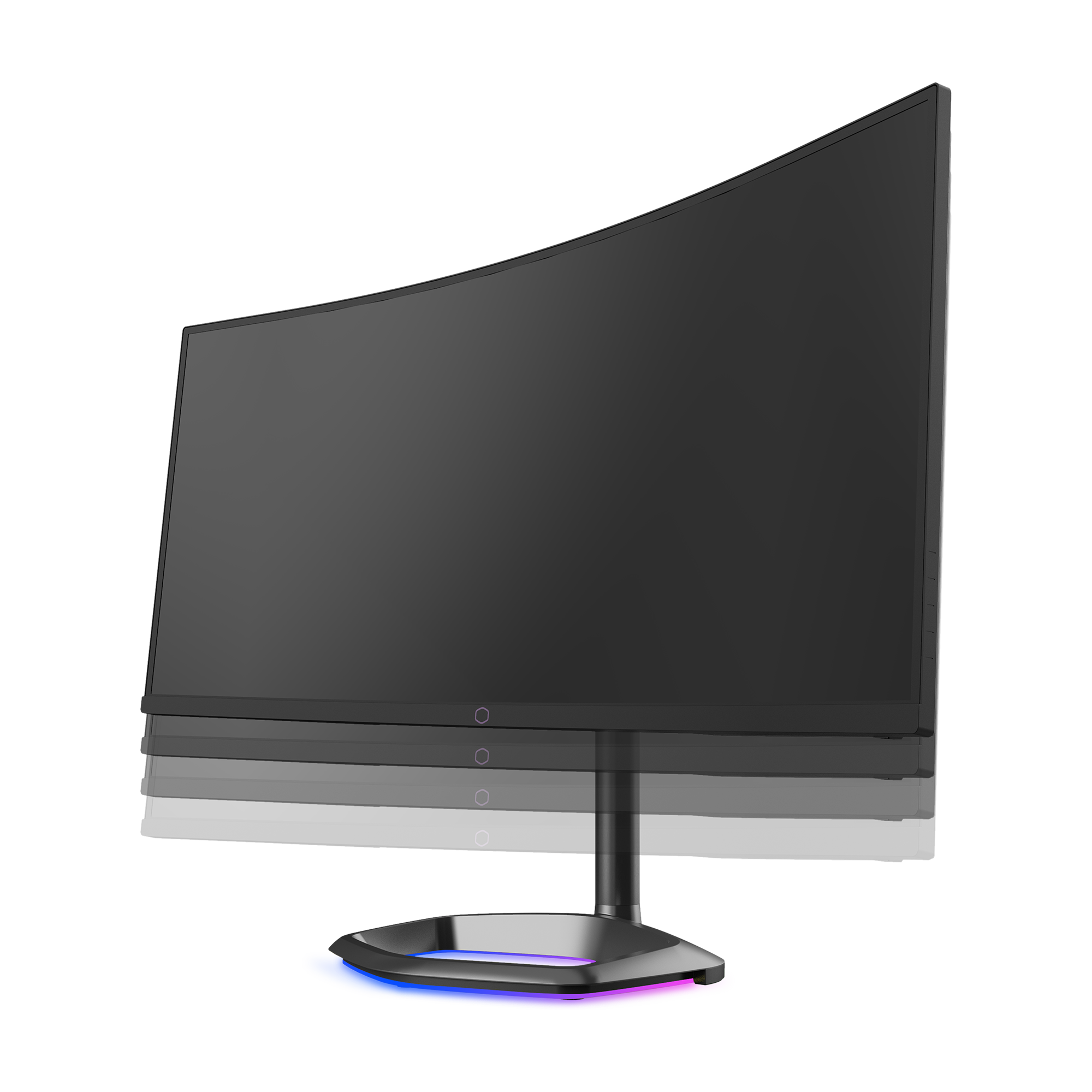
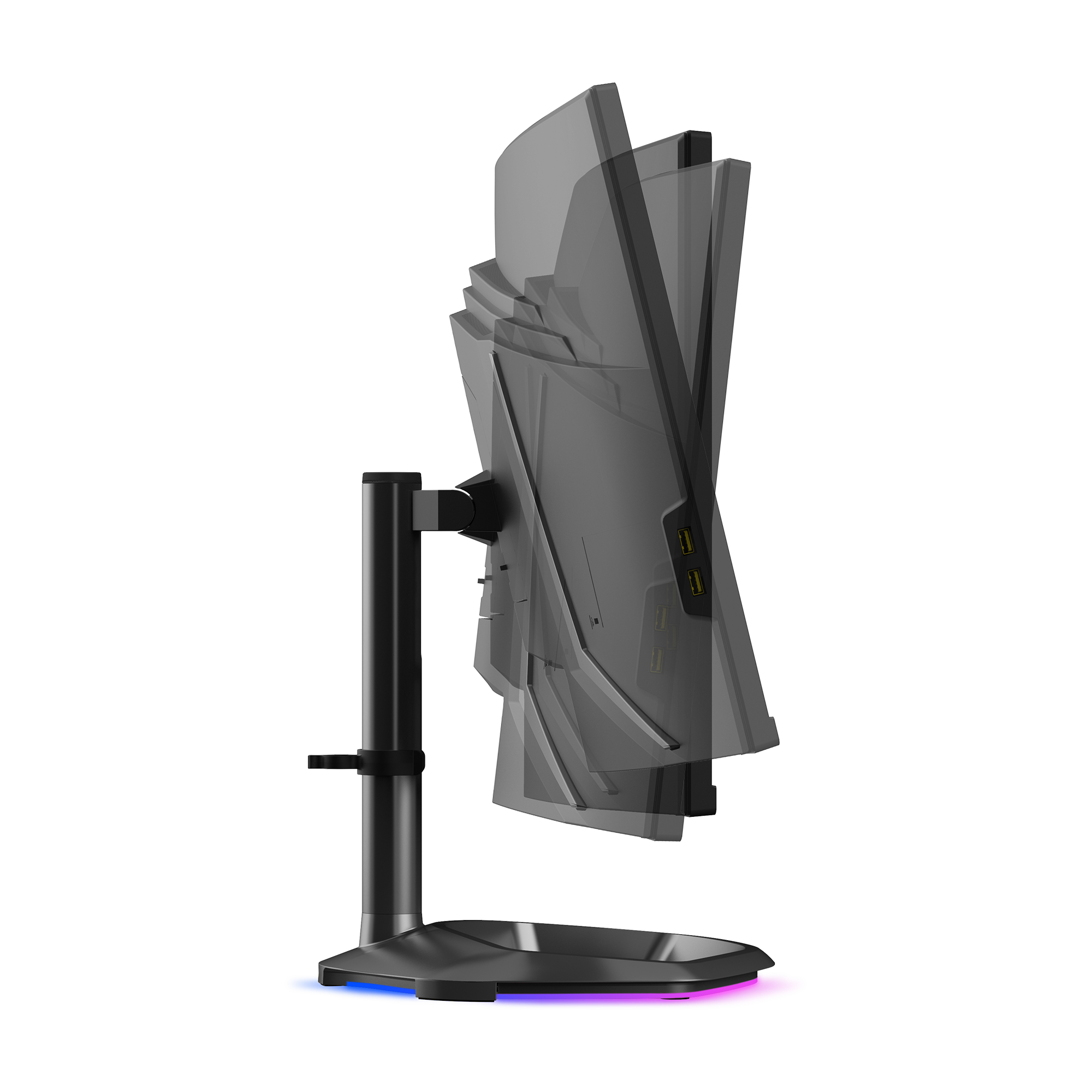
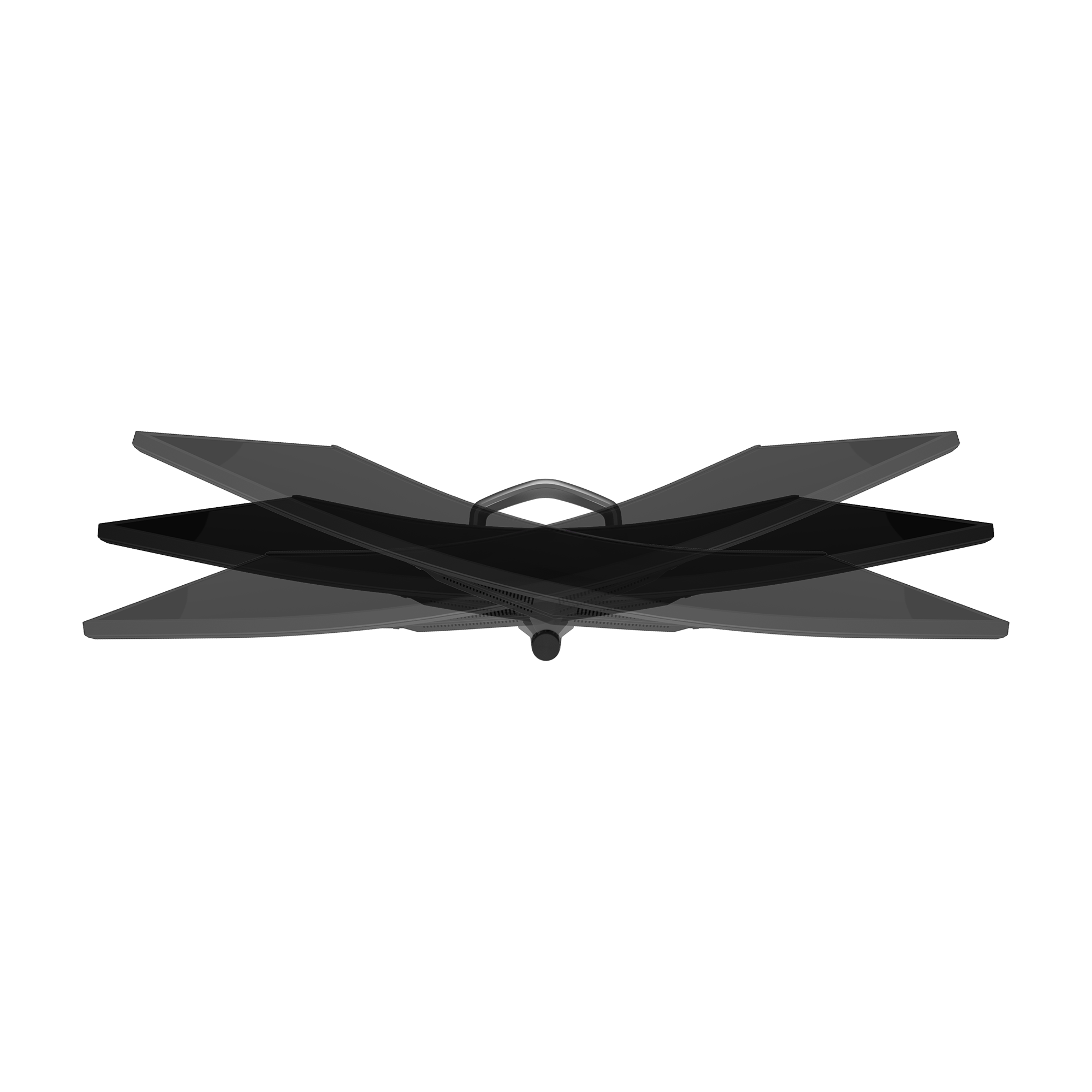
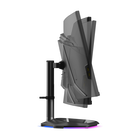
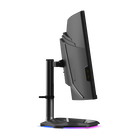
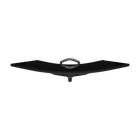
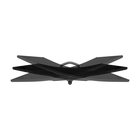
• Height: 0-80mm
• Swivel: -15°~+15°
• Tilt: -5°~+15°

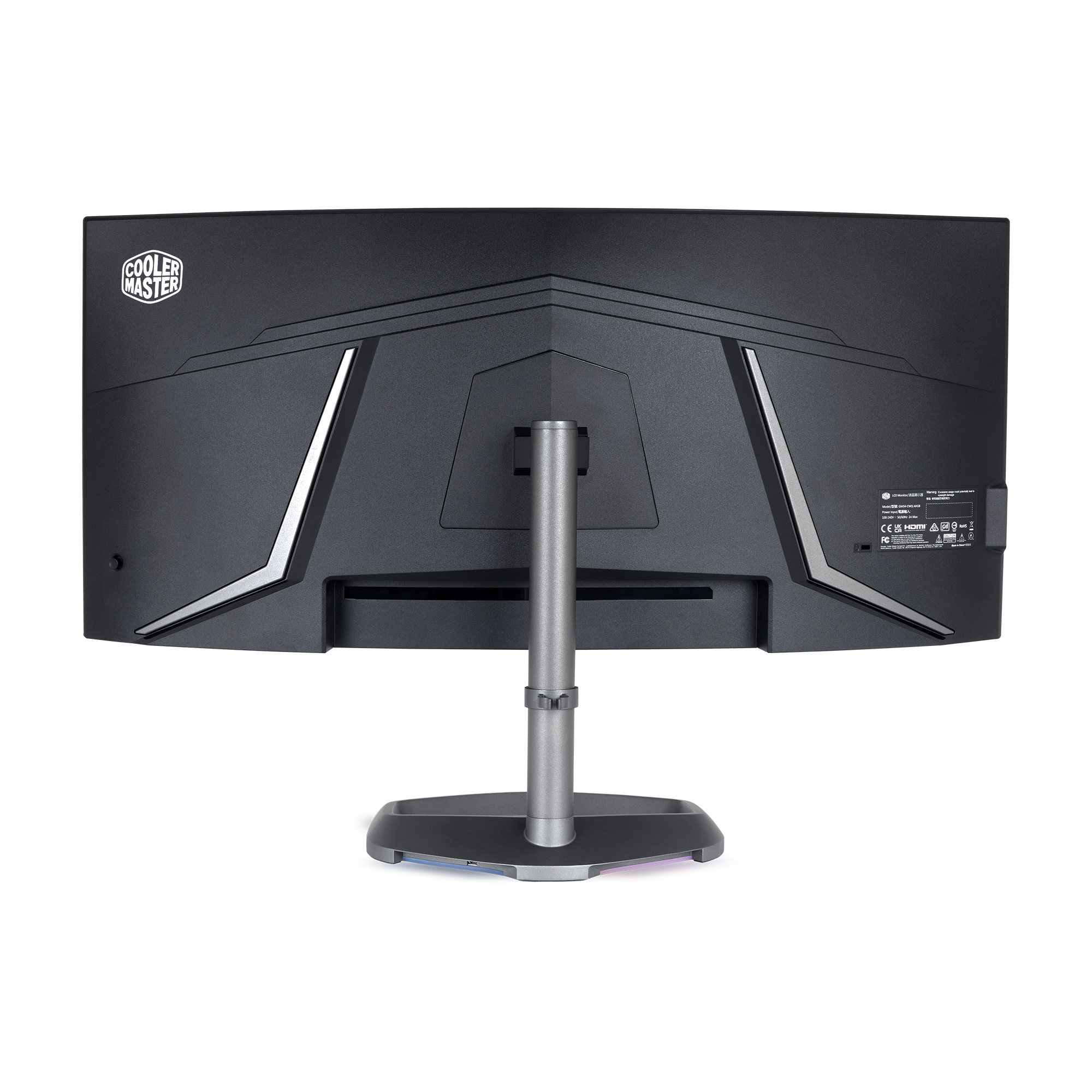
Connect all your devices with the wide range of I/O ports consisting of:
• 1 x DisplayPort
• 2 x HDMI
• 1 x USB Type C (65W PD, DP1.4)
• 2 x USB Type A
• 2 x 5W built-in speakers
• 1 x 3.5mm headphone jack